Product cards
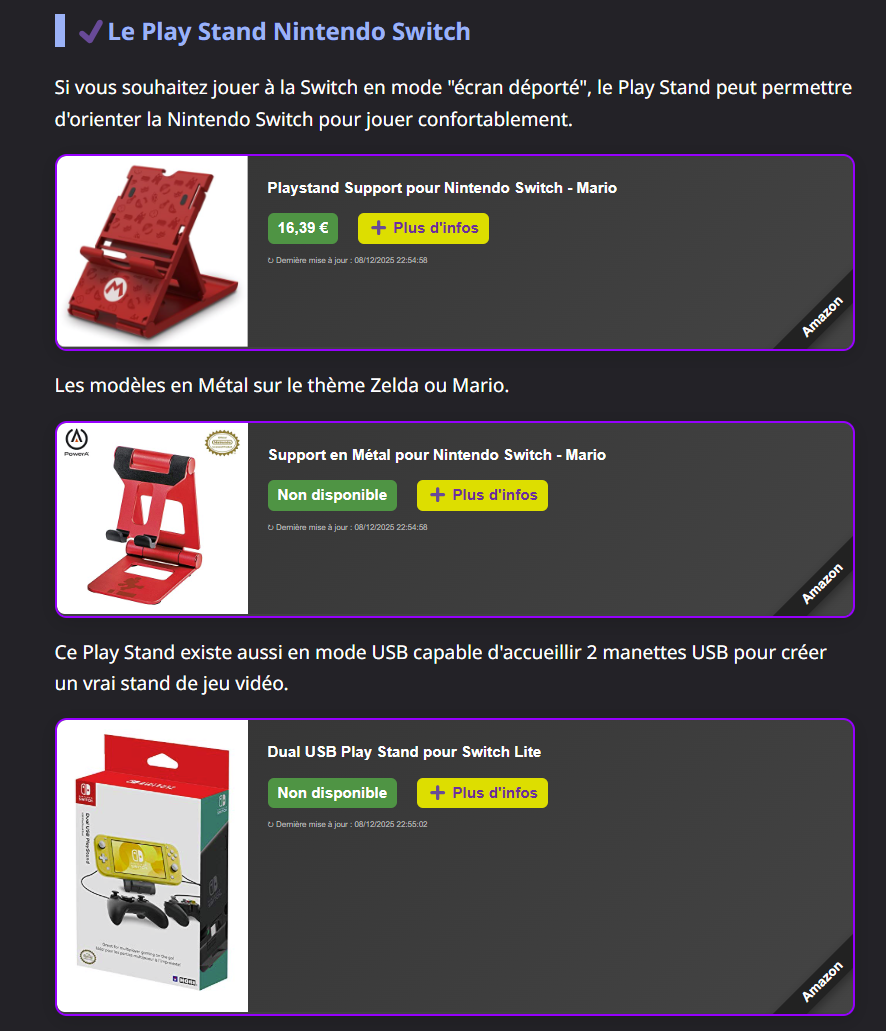
Each <div class="amw" id="ASIN"> placed in a page becomes a product card. This page
shows what visitors see; Add widgets to your website explains how to
embed them.
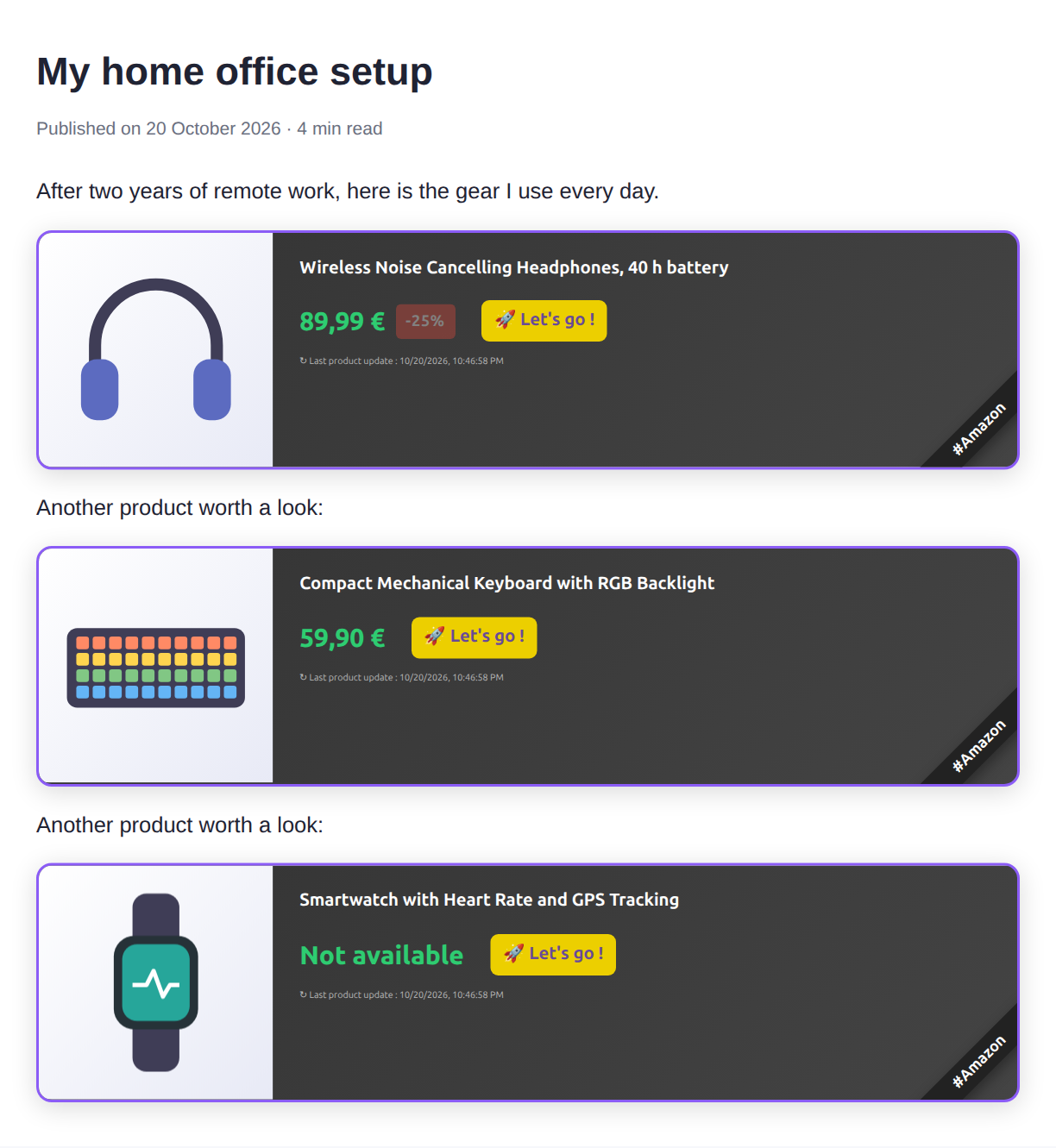
Anatomy of a card
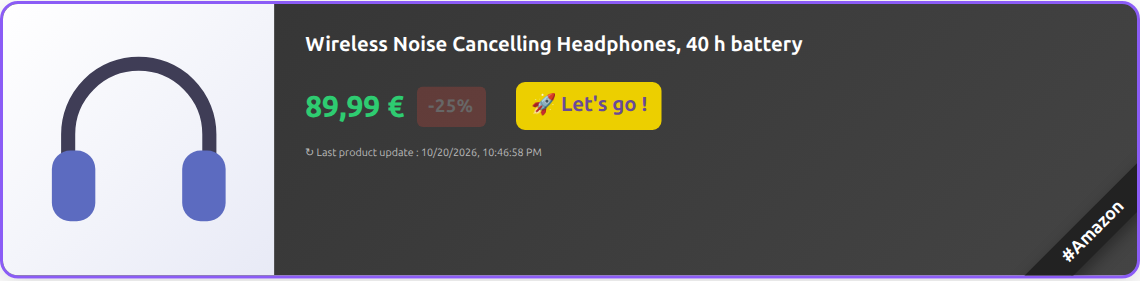
| Element | Content |
|---|---|
| Image | The product's main image, from Amazon's CDN. |
| Title | The product title, truncated to 70 characters. |
| Price | The price of the first offer, as formatted by Amazon for your marketplace. |
| Savings badge | -NN%, shown only when the offer has a discount. |
| Call to action | A localized button label (see Languages). |
| Last update | When AMW fetched the product from Amazon, formatted with the visitor's locale. A long cache means an older date. |
#Amazon ribbon |
Corner ribbon telling visitors the link leads to Amazon. |
The whole card is a link to the product page on Amazon, carrying your partner tag,
opened in a new tab with rel="sponsored nofollow" as search engines expect for
affiliate links.
Product without offer
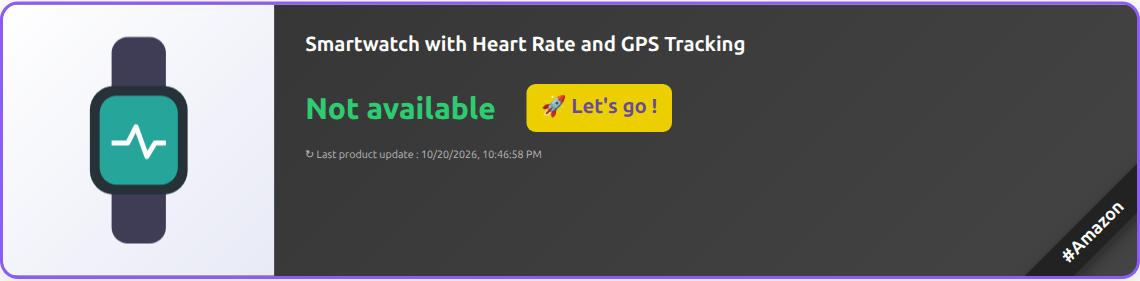
When Amazon returns no offer (out of stock, marketplace-only listing, ...), the price is replaced by a localized "not available" label; the card still links to the product.
Lazy loading
Cards are filled only when they are about to become visible (50 px before they
enter the viewport, using IntersectionObserver). Until then the card shows a light
placeholder, so a long article with many products loads as fast as one without.

Browsers without IntersectionObserver load every card immediately. Cards added to the
page later (single-page applications, infinite scroll) are detected automatically.
Errors
When Amazon does not know the product (wrong ASIN, product withdrawn from the
catalogue: HTTP 404), the widget renders nothing: the <div> is hidden, so readers
see neither a card nor an error. It is not retried. You find these products, with the
pages that embed them, among the
products to replace of the administration
portal, and the browser console logs AMW: Amazon does not know product <ASIN>.
When the product cannot be loaded (Amazon or network error, timeout after 10 s), the widget retries once after 1 s, then shows a localized error message:

Languages
The widget uses the first language it supports among, in order:
- the
data-langattribute of the widget's<div>(to show one card in another language); - the page's
<html lang="...">attribute; - the visitor's browser languages (
navigator.languages); - English.
Language tags are matched case-insensitively on their primary subtag, so en-US,
en-GB and EN all select English, and pt-BR selects Portuguese. The full tag keeps
its region for the update date, formatted with Intl.DateTimeFormat in that language
(en-GB writes 23 Oct 2026, en-US Oct 23, 2026), whatever the browser's own locale.
| Language | Tags | Button label |
|---|---|---|
| English (fallback) | en, en-* |
View on Amazon |
| French | fr, fr-* |
Voir sur Amazon |
| Spanish | es, es-* |
Ver en Amazon |
| German | de, de-* |
Bei Amazon ansehen |
| Italian | it, it-* |
Vedi su Amazon |
| Portuguese | pt, pt-* |
Ver na Amazon |
| Dutch | nl, nl-* |
Bekijk op Amazon |
The affiliate disclosure of each language is the wording of the Amazon Associates program of that country.
Adding a language or changing a label
AmwWidget.setTranslations(language, labels) adds a language, or overrides some labels
of an existing one, for the widgets rendered afterwards. Labels a new language leaves
out come from English; they are inserted as text, never as HTML.
<!-- In <head>, without defer or async: widgets are rendered at DOMContentLoaded, after -->
<script src="https://your-blog.example/item/widget.js"></script>
<script>
  AmwWidget.setTranslations('pl', {
    buy: 'Zobacz w Amazon',
    disclosure: 'Jako Partner Amazon zarabiam na kwalifikujących się zakupach.'
  });
  AmwWidget.setTranslations('fr', { buy: 'Acheter' });
</script>
When widget.js is loaded with defer or async, it renders the widgets as soon as it
runs, before a later script can call setTranslations(): only the cards not yet in view
(lazy loading, the default) and the widgets added afterwards then use the new labels.
Available labels: buy, default_title (title of a product without one),
price_disclaimer (with a {date} placeholder), disclosure, not_available,
loading, error_network, error_timeout, error_retry_message,
savings, sponsored, new_tab.
The same card on a page with <html lang="fr">:

SEO: structured data
For each rendered product, the widget appends a schema.org Product JSON-LD block to
<head> (name, image, brand, SKU/ASIN, offer price, currency and availability), which
search engines can use for rich results. Only crawlers read it, so it is injected when
the browser is idle (requestIdleCallback, at most 2 s later) and never delays the
card. Card links are marked sponsored nofollow.
Performance in the browser
| Behaviour | Value |
|---|---|
| Lazy loading | starts 50 px before the card enters the viewport |
| Batched requests | cards that start loading together (the visible ones, or a fragment added to the page) share one /products request, up to 10 products each; a single product uses /product |
| Request timeout | 10 s |
| Retries | 1 retry after 1 s on timeout or error; in a batch, only the failed products are retried |
| In-memory cache | 5 minutes per product and language, per page |
| Stylesheet | injected once per page |
| Script size | about 17 KB minified, compressed with brotli or gzip by the server |
In production
AMW cards in a real blog post (French page, dark theme):